The Hospitality Visual Playbook
A strategic guide to photography, film and visual content for hotels and hospitality brands.
Build the first impression around a promise
Before a guest reads your copy, the visuals have already suggested what kind of stay you offer, who it is for and whether the price feels credible.
Decide what the guest should believe
Write a single positioning sentence before the shot list: “A quiet coastal retreat for couples who value privacy, thoughtful design and unhurried days.” Replace those words with your actual proposition. Every lead image should provide visible evidence for that promise.
Lead with the strongest reason to choose you
Your most photogenic room is not automatically your best opening image. A sheltered dining terrace, a genuinely private pool or an arrival framed by landscape may communicate a more distinctive reason to book. Choose an image that remains legible at small size and does not need a caption to make sense.
Build a three-image introduction
Use a sequence: the defining experience, the accommodation that supports it, and one detail that makes the promise believable. For example: breakfast above the sea, the suite opening onto that terrace, then locally made tableware in use. The sequence should feel like one property on one coherent visit.
Audit the expectation gap
Compare your opening visuals with the experience available to a typical guest. Identify imagery showing a premium category, seasonal service or private area that might be mistaken for a standard inclusion. Label it clearly or place it within the correct category. Attractive ambiguity can become disappointment after arrival.
Sell the stay, then prove the space
Room photographs answer practical questions. Experience photographs help someone imagine choosing your property over another with similar amenities.
Spaces: make the offer understandable
Show the layout, daylight, circulation and relationship between inside and outside. For each accommodation category, capture a clear room view, bathroom, private outdoor space and distinguishing feature. A guest should not need to guess whether the pool is shared or the terrace belongs to the room.
Details: choose evidence, not decoration
Prioritise details that support a reason to pay more: craftsmanship, thoughtful lighting, quality linens, a considered breakfast or a material palette connected to place. Ten similar cushion photographs add less value than one convincing image of the service or design that differentiates you.
Lifestyle: stage a credible moment
Plan actions the property can genuinely deliver: an early swim, a slow breakfast, reading in shade or returning from the beach. Agree wardrobe, casting, access and participant permissions in advance. The people should belong to the intended experience; the property should remain the subject.
Human presence: match the brand
A host setting a table can communicate care without turning the library into portraiture. A couple may clarify terrace scale; a family changes the implied audience. Empty spaces can express privacy and calm. Choose deliberately rather than adding people because a channel appears to demand them.
Commission a library, not a pile of images
A complete library combines desire, practical information and enough variation to support repeated use without diluting the property’s identity.
The essential architecture of the library
Build five groups: destination and arrival; signature spaces; every sellable accommodation category; food, service and experiences; distinctive details. Add seasonal scenes only when they matter to the offer. Record gaps by category before choosing the total number of deliverables.
Allocate attention by commercial importance
Give more production time to spaces that drive selection, differentiate room categories or support a high-value service. A signature suite may need several connected views. A corridor may need only one contextual image. Equal coverage of every space is rarely the best use of a finite day.
Separate must-have coverage from opportunities
Mark each scene A, B or C. A means essential for launch or accurate selling; B strengthens the story; C is optional. Keep a short, approved A list that can survive weather changes. Do not quietly replace missing room-category evidence with attractive pool details.
Plan variations with a purpose
For each hero scene, request a clean composition and useful alternatives for a wide website placement and a vertical story. Allow space for text only where the design needs it. Variation should solve a placement problem; near-duplicates simply make selection harder.
Choose each medium for a distinct job
Photography, film and aerial coverage work best when they answer different questions within the same commercial story.
Photography: the decision-making foundation
Prioritise a coherent stills library when your website or booking listings lack clear, current coverage. Guests need to inspect rooms, compare categories and understand amenities at their own pace. Strong stills also support press, sales presentations and ongoing marketing.
Film: demonstrate rhythm and atmosphere
Use film when movement adds meaning: the transition from suite to pool, the pace of breakfast service, curtains opening onto a view or a route through the property. Brief a short narrative with a beginning, middle and ending. A sequence of unrelated attractive clips rarely explains why someone should stay.
Drone: establish a useful relationship
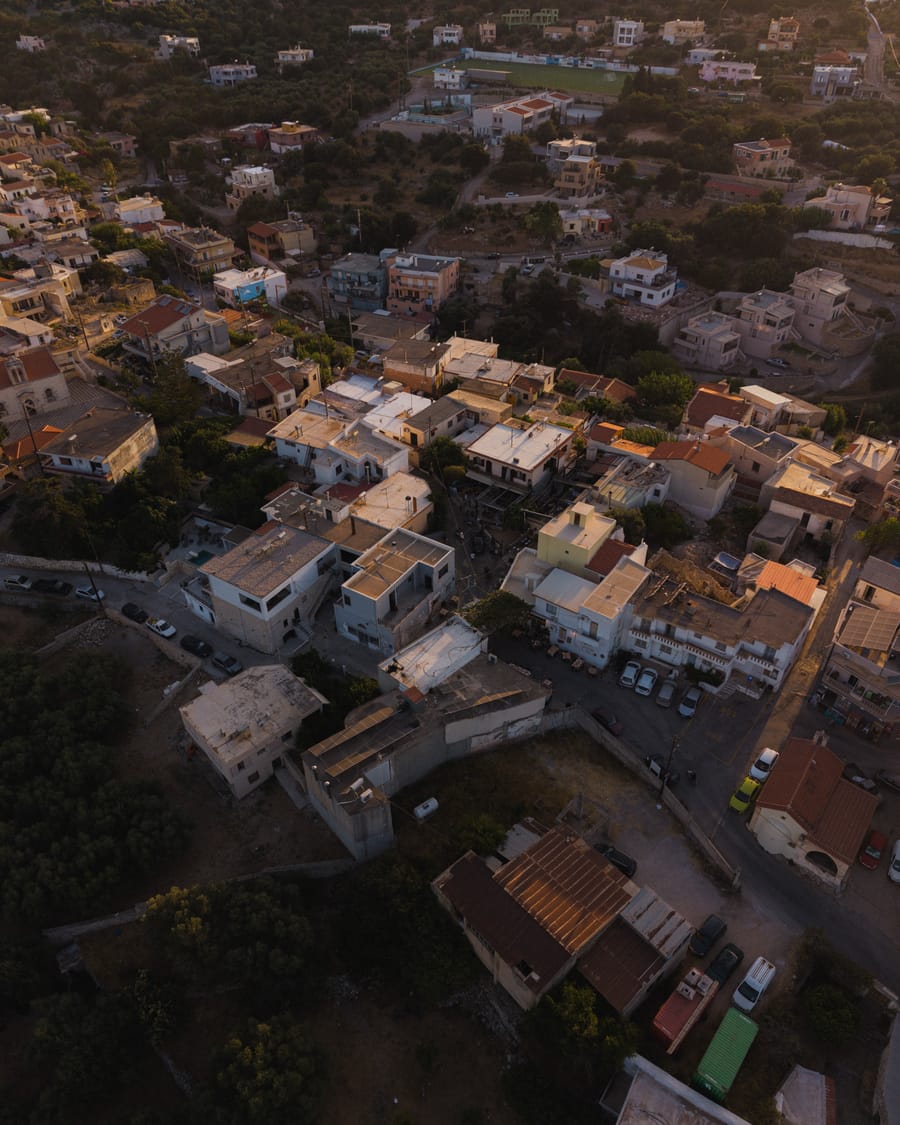
Aerial coverage can explain coastline, landscape, property layout and proximity to a destination feature. Use it where geography strengthens the offer. Confirm flight feasibility, permissions and weather alternatives with the production team before treating an aerial scene as essential.
Commission the outputs before the capture
Agree whether you need a website film, vertical edits, short silent loops, room walkthroughs or a destination sequence. Identify orientation, approximate duration, text requirements and sound use. Different deliverables need different pacing and framing; a long horizontal film does not automatically yield strong vertical pieces.
Prepare the property for the light
The most efficient shoot day is designed around access, sunlight and operational readiness before the crew arrives.
Map light to the spaces that matter
Share orientation, reference images and access restrictions. Flag sea-facing terraces, shaded courtyards, west-facing dining areas and interiors with strong window light. The team should confirm the sequence for the actual date and location; a generic sunset timetable is not a production plan.
Reserve the fragile moments
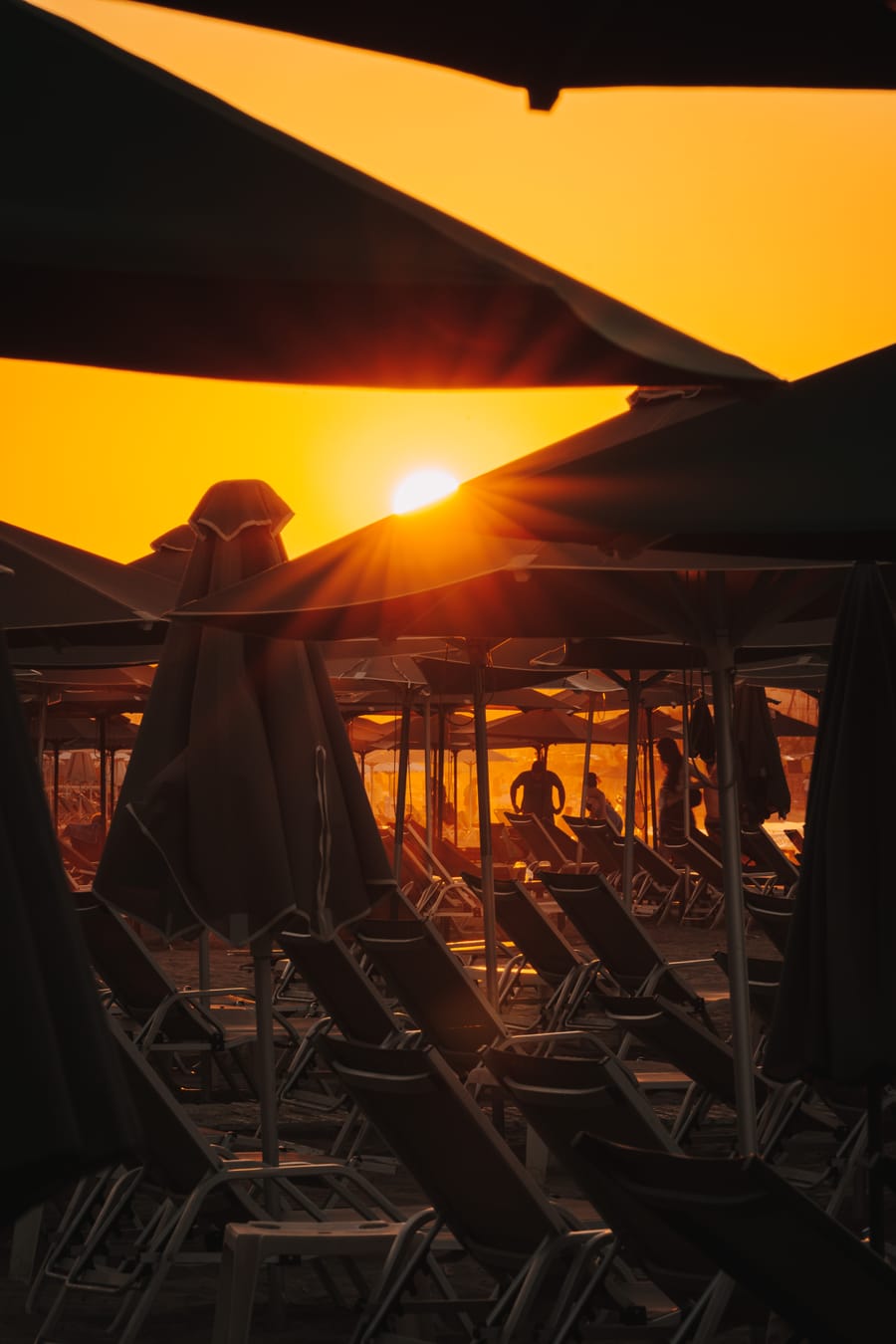
Golden hour and blue hour are short opportunities. Decide which scene owns each window, prepare it early and protect it from housekeeping delays or competing requests. Put flexible details and covered interiors elsewhere in the schedule. Leave time to move equipment and reset spaces.
Prepare a guest-ready, camera-ready property
Remove packaging, spare equipment, visible cables and temporary signage. Test lighting, tidy planting, clean glass and pools, steam textiles and check furniture alignment. Keep styling consistent with what guests actually receive. Prepare one complete room from each category rather than several unfinished alternatives.
Protect the guest experience
Assign a property lead with authority to release rooms and coordinate teams. Agree guest access, quiet periods and any temporarily reserved areas. Keep a second ready space available when operations interrupt the first. A realistic plan respects both the production and the running hotel.
Run a production with clear decisions
A smooth production depends less on constant supervision than on a brief everyone understands and one person empowered to make decisions.
Before production: lock the scope
Approve priorities, access, styling responsibility, participants, deliverables and usage needs. Share a current room inventory and brand references. Identify who approves the work and when. Resolve the distinction between a private villa, shared facility and premium room category before the camera arrives.
On site: review with purpose
Use a short first-scene alignment check to confirm mood and presentation. Then let the team work through the agreed priorities. Route requests through the property lead. If an extra scene threatens a critical light window, decide openly what it replaces rather than adding it invisibly to the day.
After production: select for coverage
Review the edit against the brief, not only personal favourites. Check whether every sellable category is represented accurately, the image sequence feels coherent and the hero choices support the positioning. Consolidate comments into one review so contradictory feedback does not create repeated revisions.
At delivery: make the library usable
Request an organised handover with clear filenames, space or category labels, approved edits and channel-ready versions where agreed. Keep master files separate from distribution copies. Record any usage conditions, credits and expiry dates alongside the assets so future colleagues do not need to reconstruct the brief.
Give each channel the right evidence
The same property needs a consistent identity across channels, but visitors arrive with different questions and different levels of attention.
Website: establish desire and guide exploration
Lead with an unmistakable property promise. Follow with accommodation, experience and practical proof. Place category-specific imagery on the correct room page. Select crop alternatives that work across desktop and mobile, and ensure important architecture or people are not hidden behind navigation or text.
Booking platforms: make comparison easy
Use a strong opening image followed by clear rooms, bathrooms, outdoor areas and facilities. Keep category assignments accurate. Avoid sequences dominated by mood details before guests can understand what they are booking. Check each platform’s current upload guidance at publication; its display may differ from your website.
Social: build small, complete stories
Turn one scene into an editorial sequence: arrival, experience, detail and invitation to explore. Use vertical footage composed for that placement. Give each post a reason to exist, such as introducing a suite, explaining a seasonal experience or revealing a design feature.
Keep the visual language recognisable
Agree colour character, contrast, pacing and styling principles. Compare agency output, phone content and partner imagery before publishing them together. Keep architecture and materials credible; inconsistent skies, excessive colour or stretched spaces undermine confidence in the premium offer.
Maintain value after the launch
Visual content becomes a durable asset when someone owns its accuracy, organisation and continued use.
Refresh according to change
Review the library before a major selling season and whenever rooms, amenities, service or positioning change. Replace inaccurate assets promptly. Use a targeted seasonal session when the foundation remains sound; plan a broader production when the property’s offer or visual identity has materially shifted.
Watch for signals, not invented guarantees
Track image-related guest questions, missing category coverage, dated facilities and weak mobile crops. Use page engagement and booking-path data alongside other factors such as price and availability. A visual refresh can support performance, but a change in bookings alone does not prove that imagery caused it.
Extend the life of the production
Tag assets by space, season, experience, orientation and approved use. Build small publishing collections so marketers can find the right material quickly. Keep timeless architectural views apart from date-sensitive offers, temporary styling and recognisable seasonal service.
Write a focused brief for your next production
Complete these six lines: our ideal guest; the promise we need to communicate; three strongest proof points; missing or inaccurate coverage; priority channels; launch date and operational constraints. Attach a small selection of current visuals and explain what is no longer working.
| 01 | Kapou All Day Bar | Hospitality |
|---|---|---|
| 02 | Poseidon Hotel | Hospitality |